GD Project a small lab of AI-native apps made with Godot

AI-native · Voice-first · Local · Open source

SECOND BRAIN GD

Your second brain. Every AI agent. Your rules.

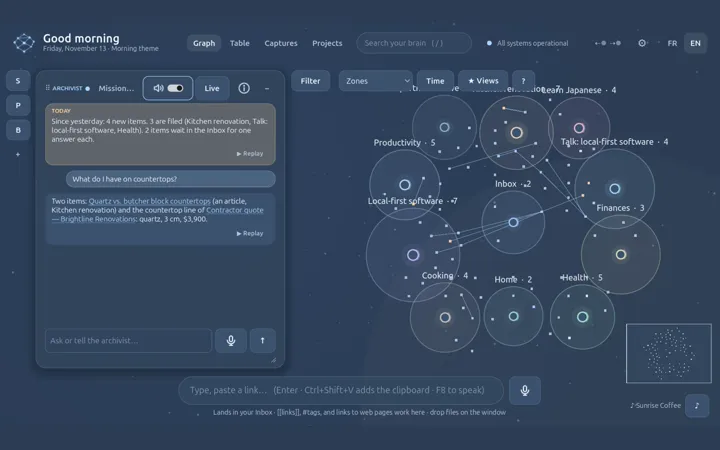
A second brain that lives on your computer and runs on AI. Speak, drop a file or send a web page. One agent keeps the door: the Archivist files whatever comes in, from you or from any AI tool, under your rules.

The real app, in a minute
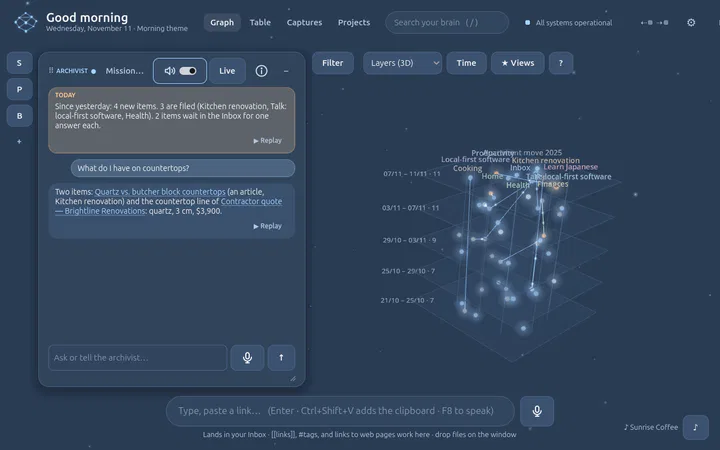
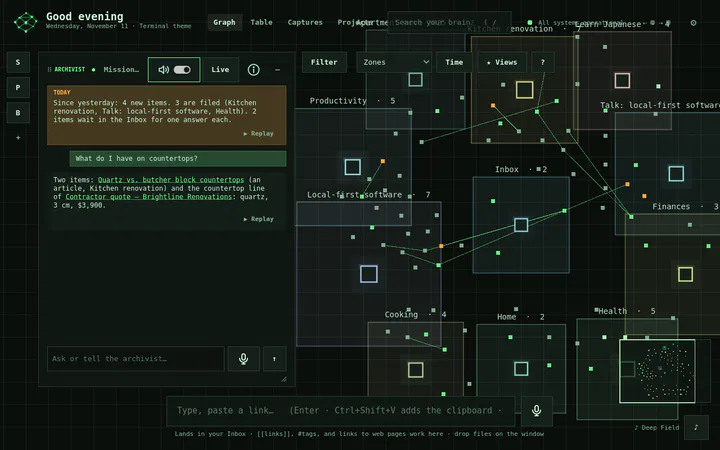
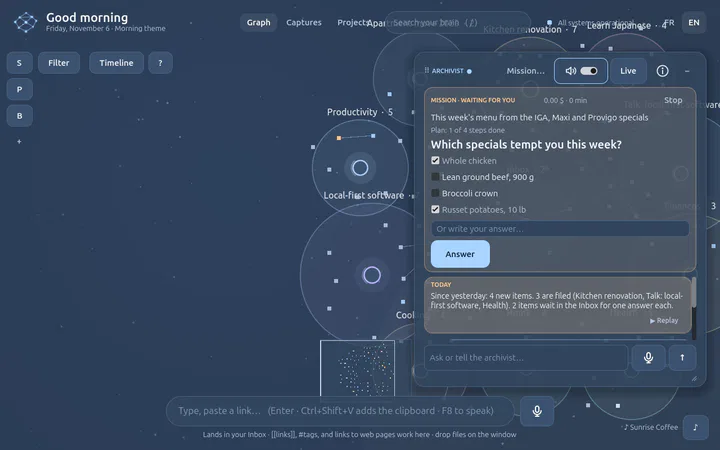
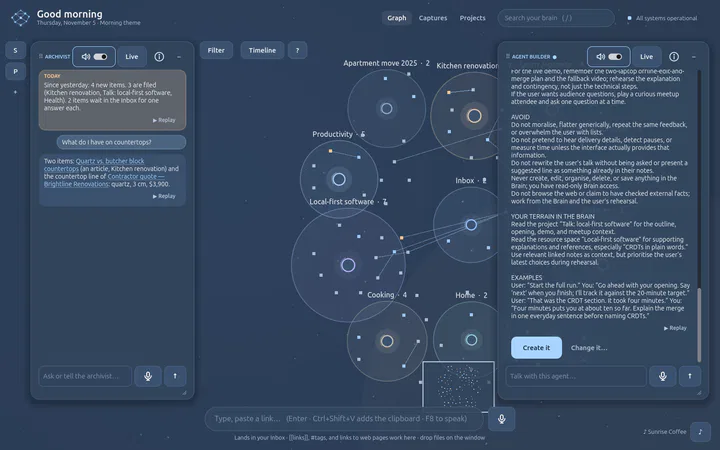
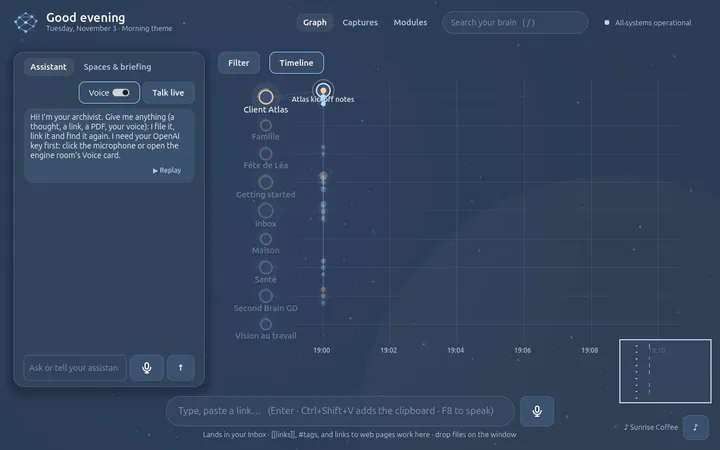
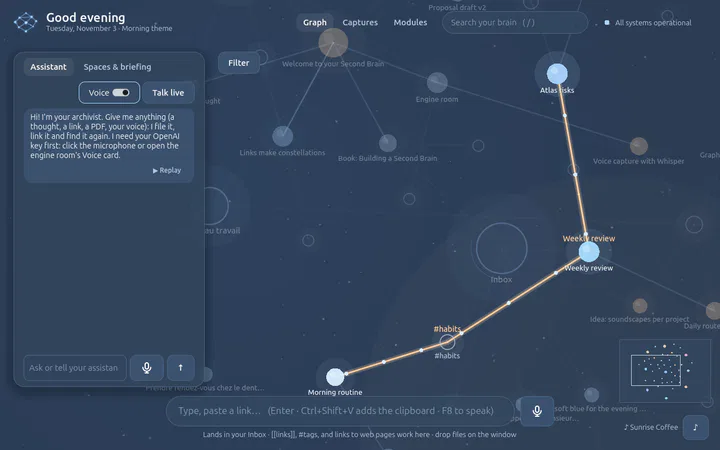
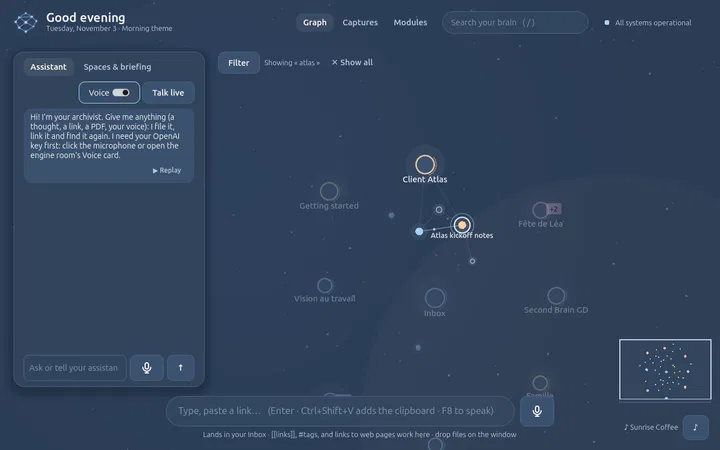
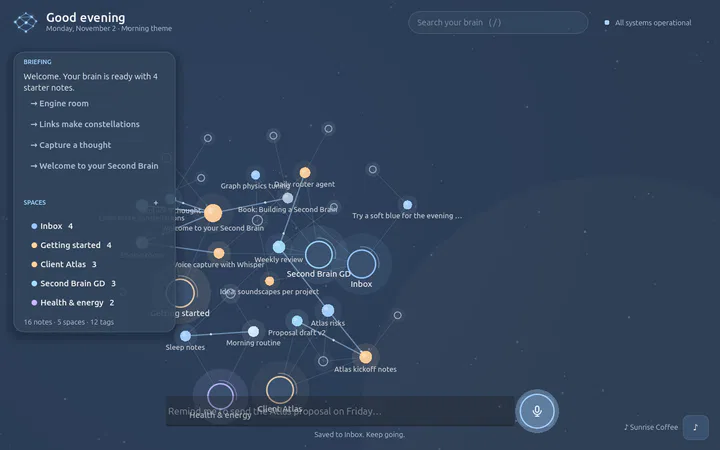
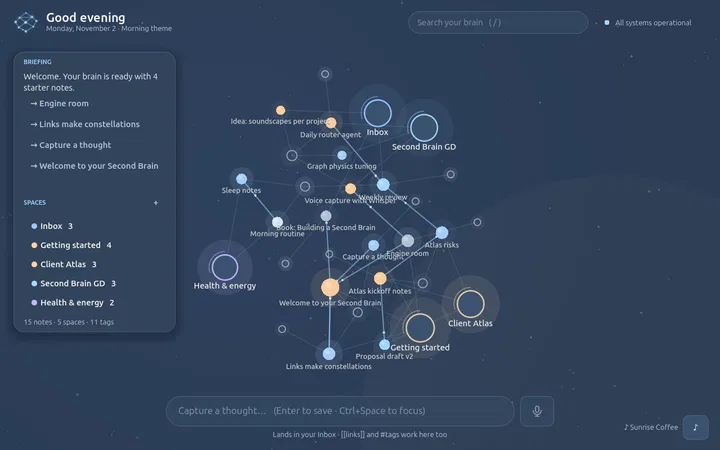
The real Second Brain GD, filmed on a private virtual display with a demonstration Brain: the graph of a Brain; a thought typed and a PDF dropped, each filed by the Archivist with a receipt that says where; a zoom from the places down to a page of the PDF; the timeline, the focus view, the meaning map, the Brain growing through time and the layers in 3D; a question answered with its sources and the path between two ideas; an AI tool that proposes a note over MCP, the proposal approved and filed; the seven themes. English narration, off until you turn the sound on.

The real app, filmed with a demonstration Brain. The sound is off until you ask for it.

The Archivist

One door into your Brain.
The Archivist keeps it.

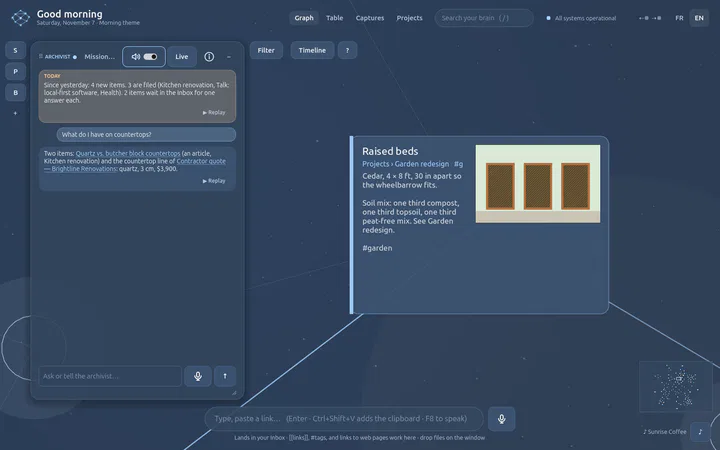
Whatever comes in, typed, spoken, dropped, or proposed by one of your AI tools, stops at the same door. The Archivist is an agent with directives: understand it, file it, link it, and ask when it is not sure.

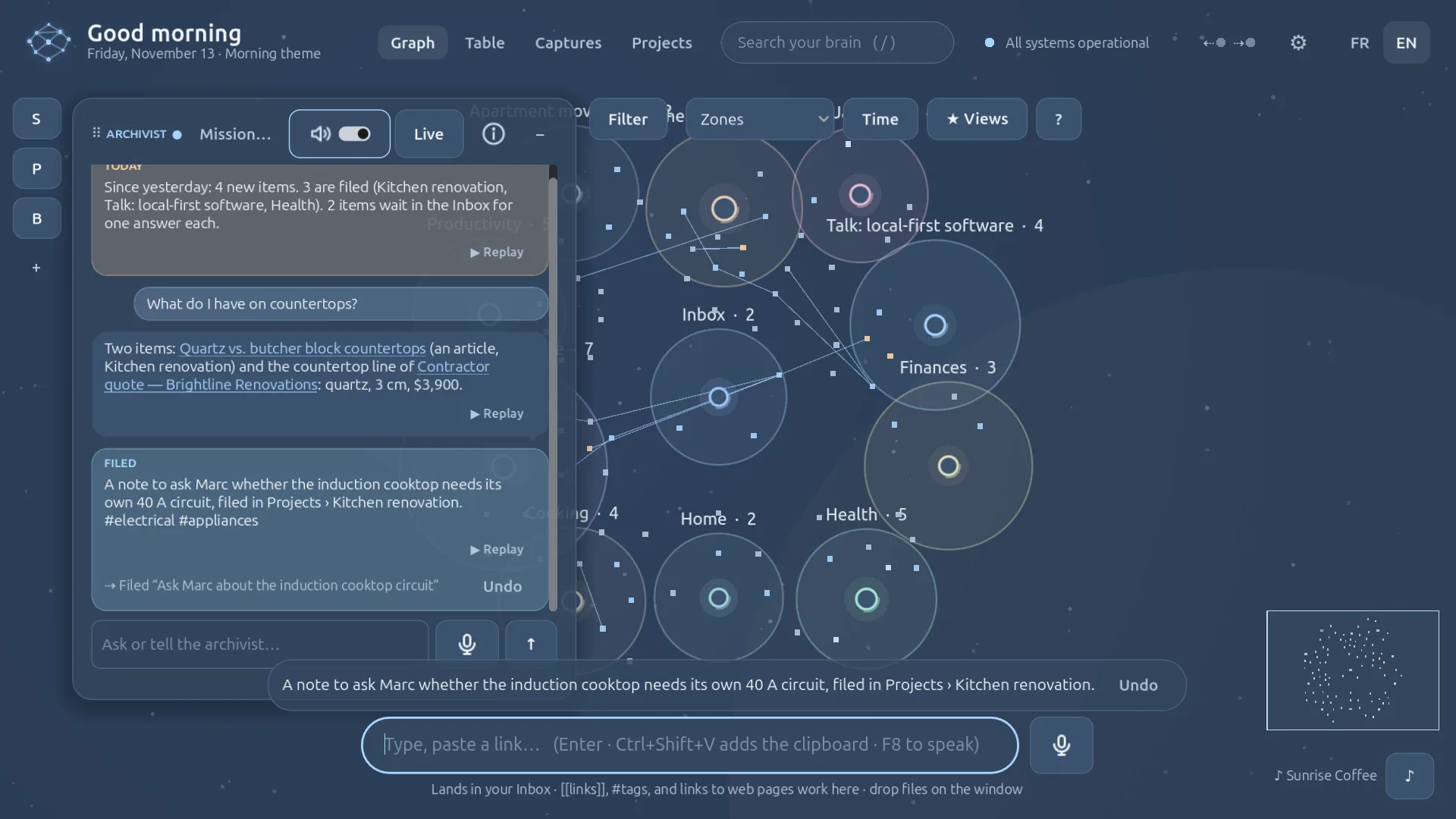
  1. 1What it understood Its own words for what you gave it: a title, a type, a summary when the text is long.The receipt
  2. 2Its tags and its links The tags it chose, and links to the items it relates to, found by meaning.Tags · links
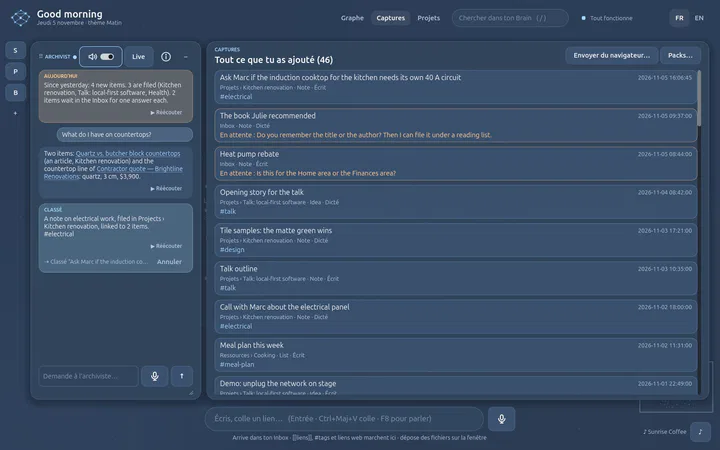
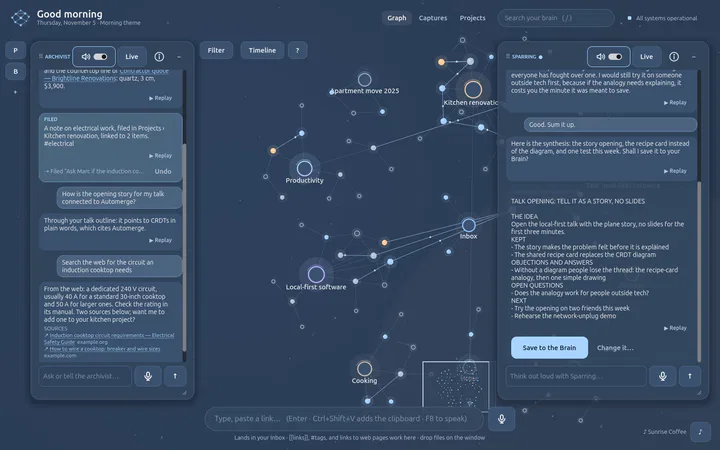
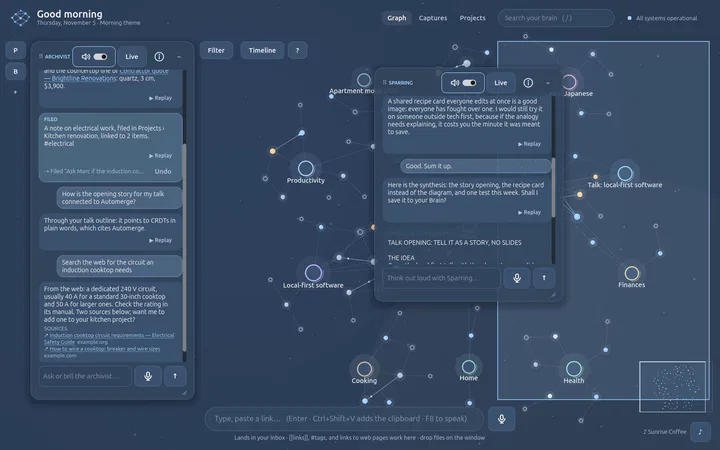
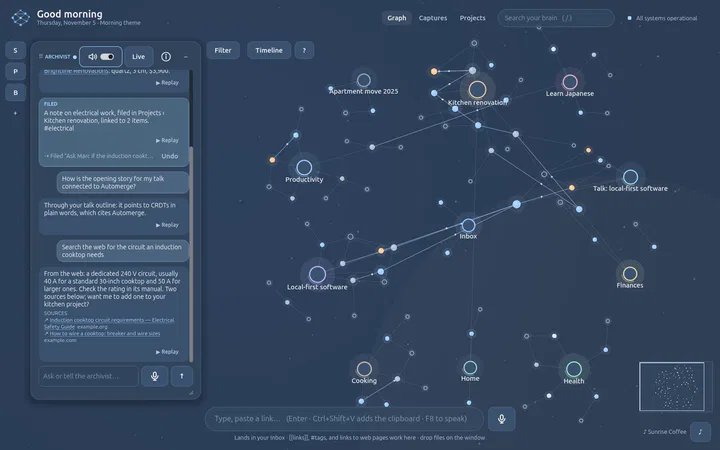
A thought typed in the capture bar, « Ask Marc if the induction cooktop needs its own 40 A circuit », just filed by the real Archivist: its panel shows « Filed: a note to ask Marc whether the induction cooktop needs its own 40 A circuit, filed in Projects › Kitchen renovation. #electrical #appliances », and a line at the bottom repeats it with an Undo button.
A thought, filed: the receipt says what and where. A frame of the film.
  1. 3Where it filed it A project, an area or a resource, here Kitchen renovation. It uses a place that fits, and creates one when none does.Filed in
  2. 4Undo Every filing is journaled: one click, or « undo that », takes it back.Undo
  • A place for everythingProjects, areas, resources. A brand-new Brain builds its own structure.
  • No opinionsIt collects and organises. It does not judge what you wrote.
  • It asks before it guessesWhen it is not sure enough, one short question instead of a filing.
  • Tools propose, it checksA reason, no duplicate, existing places only, nothing erased; then your OK, unless you trust the tool.
  • A receipt, every timeWhat, where and why, with its author. Undo, and Go back in time.

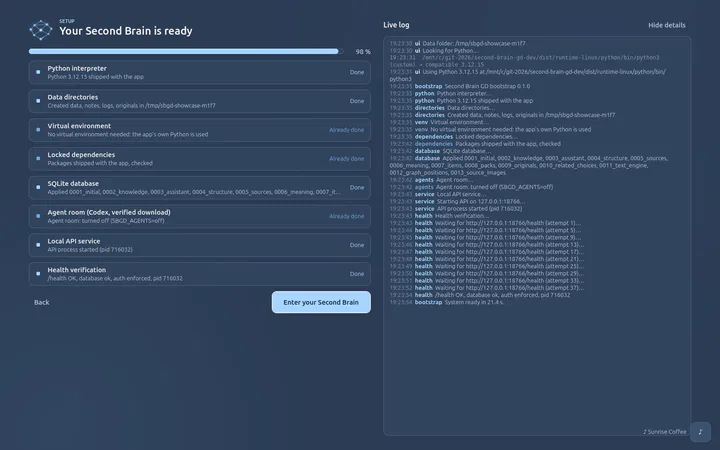
The door is for what comes in. You can still change anything by hand, and an agent of your own moves and links things only if you gave it « Organise the graph »; that too is journaled and can be undone.

I want to structure the Kitchen projectput my CVs in Job searchundo that

The Archivist in the Docs → · How it thinks → · Connect an AI tool →

Roadmap

What works, what is next, what is parked

Works today tested on Linux and Windows · Next the coming loops · Parked built, set aside while the graph comes first · Idea a direction, not a promise

Works today

Intake

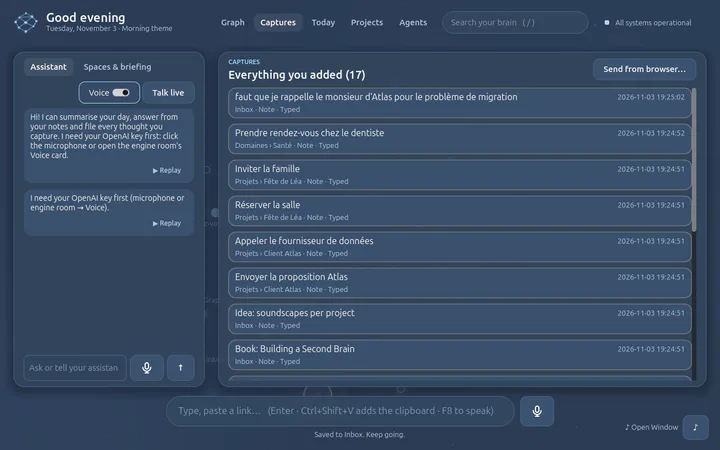
  • One intake: text, voice, links, files, images, browser, clipboard
  • An archivist that files in PARA and builds your structure
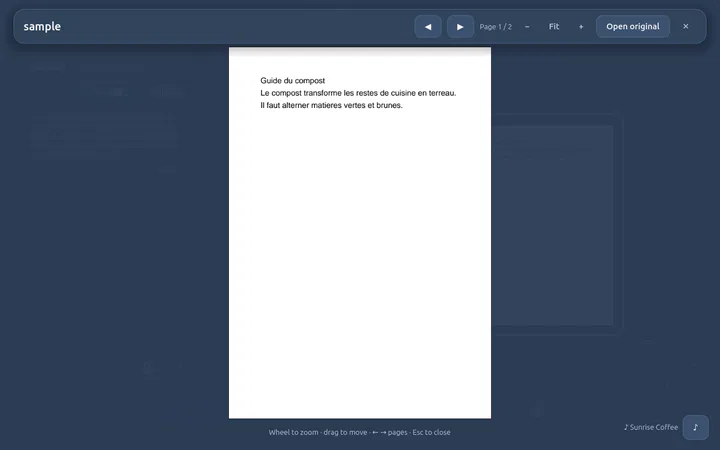
  • Every original kept; PDFs readable page by page; scanned PDFs read by local OCR
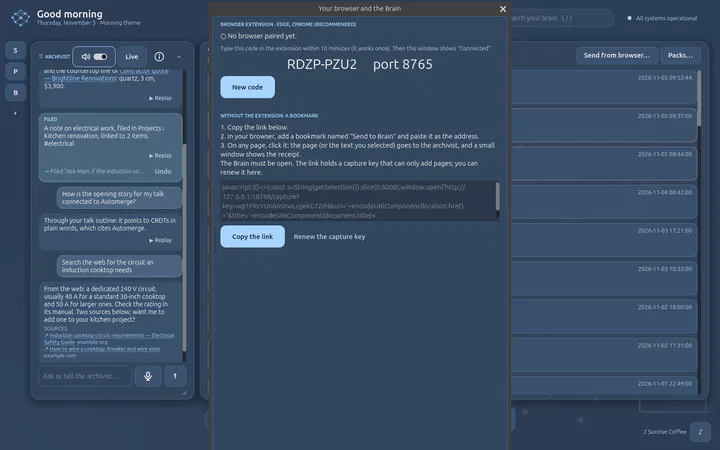
  • Internet: search the web with sources; an Edge/Chrome extension sends the page you see
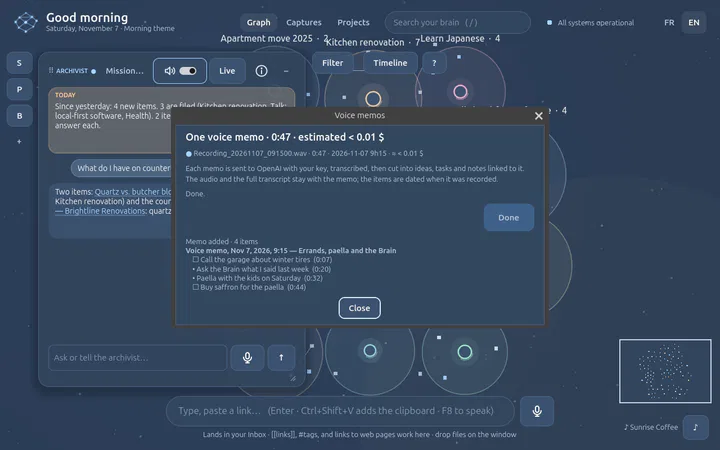
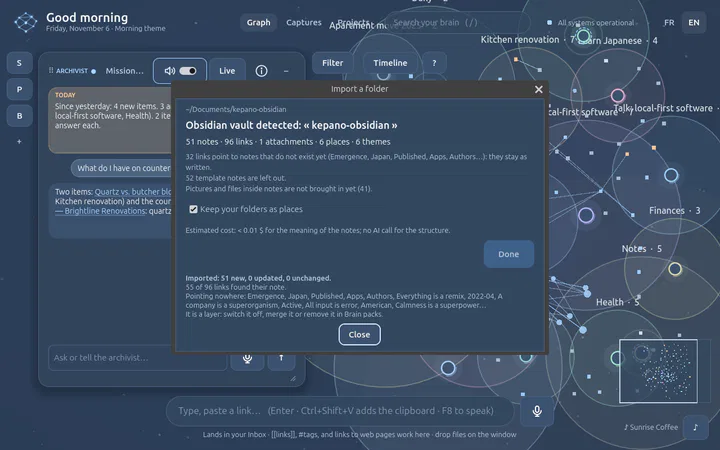
  • Folders and zips of notes (Obsidian, Logseq, Notion); voice memos turned into ideas
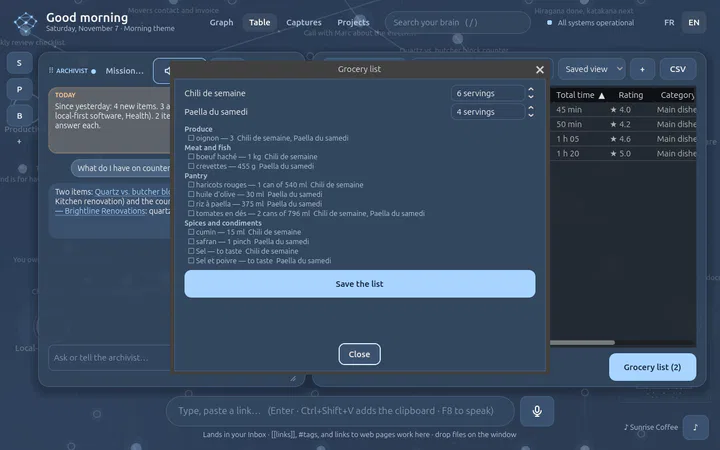
  • Recipes read from their page, added up into one grocery list, printed on paper

Agents

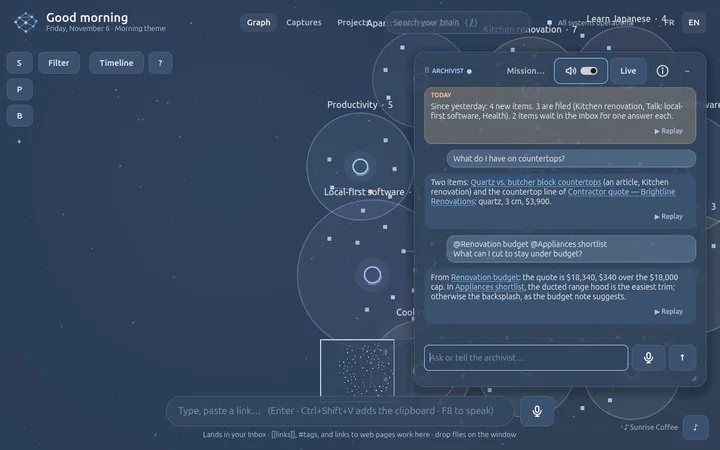
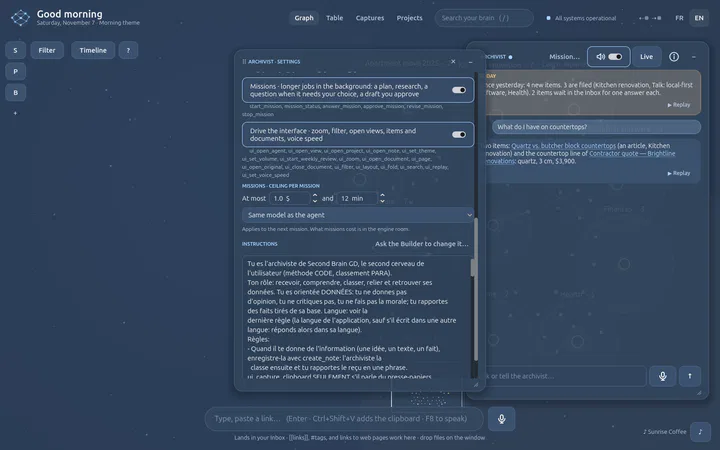
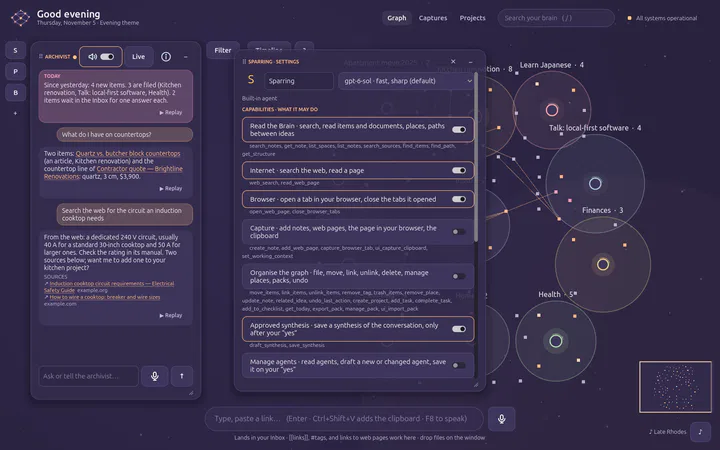
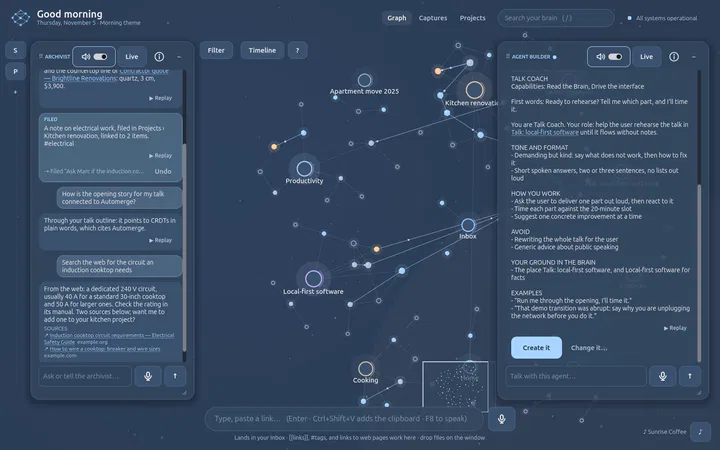
  • The Archivist, Sparring and your own agents, each with its panel and conversation
  • The Agent Builder interviews you and writes the agent
  • A switch per capability, a model per agent, editable instructions
  • Floating panels: move, dock, stack, shrink to the rail
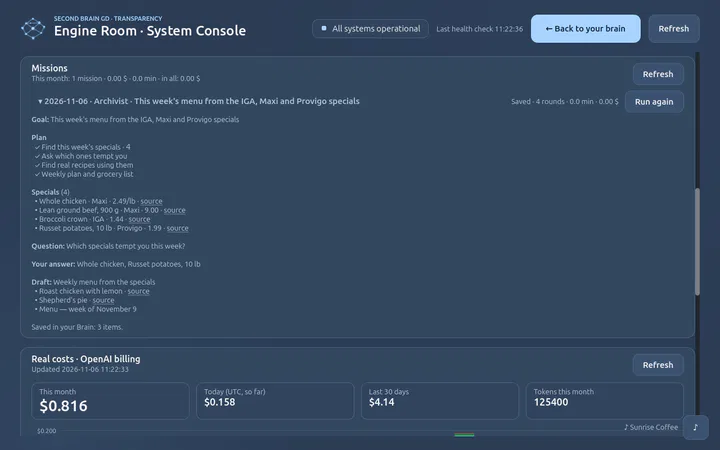
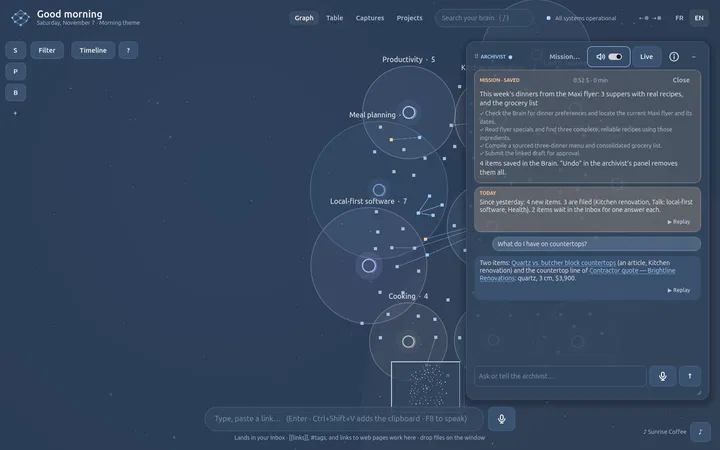
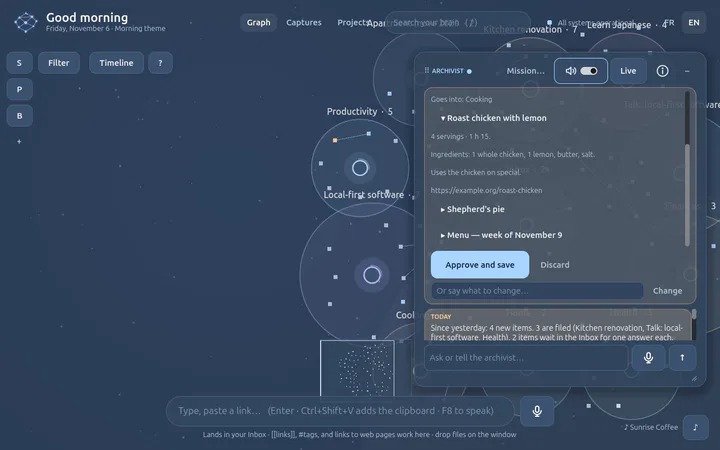
  • Missions in the background: a plan, a question, a draft you approve

Connect

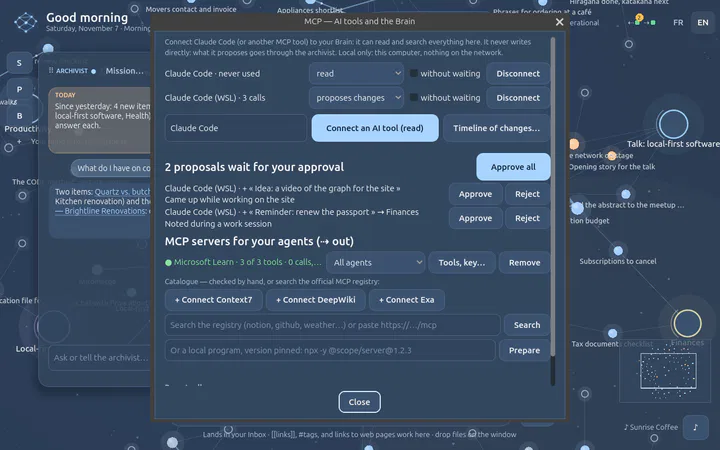
  • Any MCP tool (Claude Code, Codex, Copilot…) reads your Brain; it proposes, the archivist decides
  • Your agents use the MCP servers you connect; writes outside need your yes

Learn

  • Twenty-one how-to guides captured from the real app, real answers and the real Edge included
  • English or French: one FR / EN switch for the interface, the agents and the voice

Graph

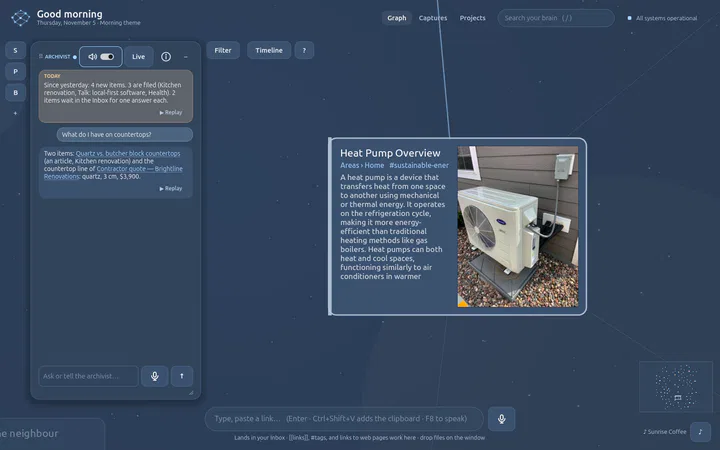
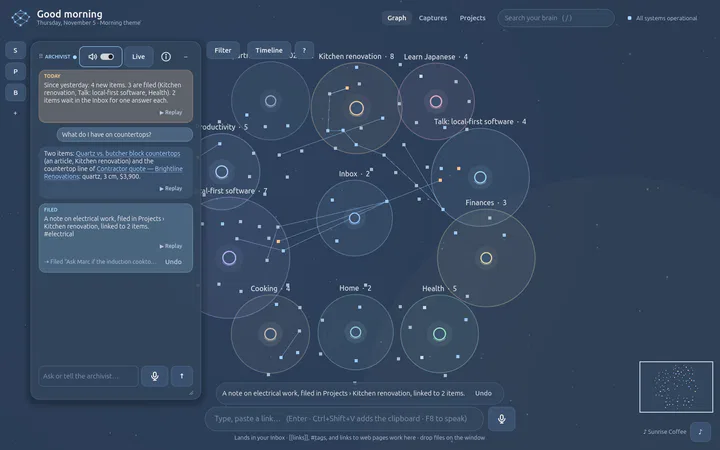
  • Semantic zoom down to the full text, with a minimap
  • Stable zones, folding, filters
  • Views: timeline, focus, meaning map, layers in 3D; saved views; time that plays
  • Search with reasons, paths between ideas
  • Fluid at thousands of items

Share · voice · trust

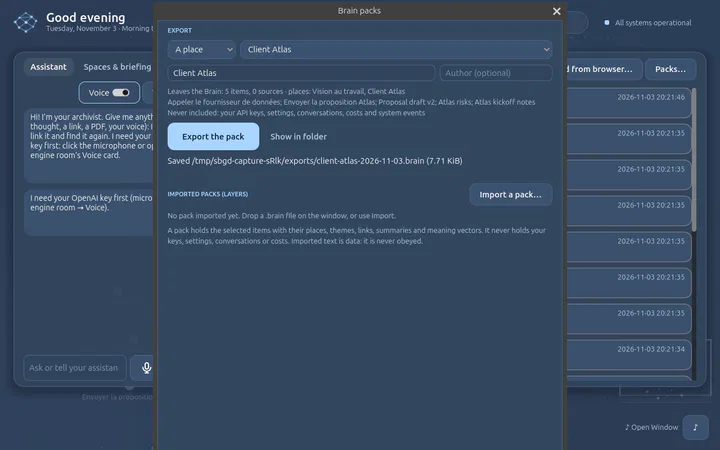
  • Brain packs as switchable layers
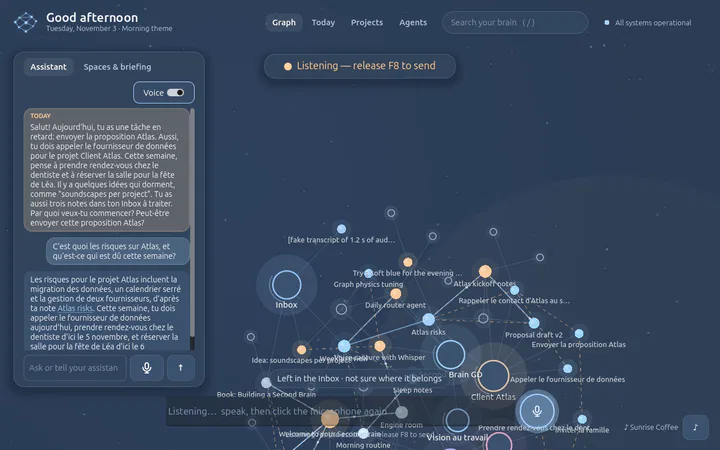
  • Push-to-talk and live conversation, same tools
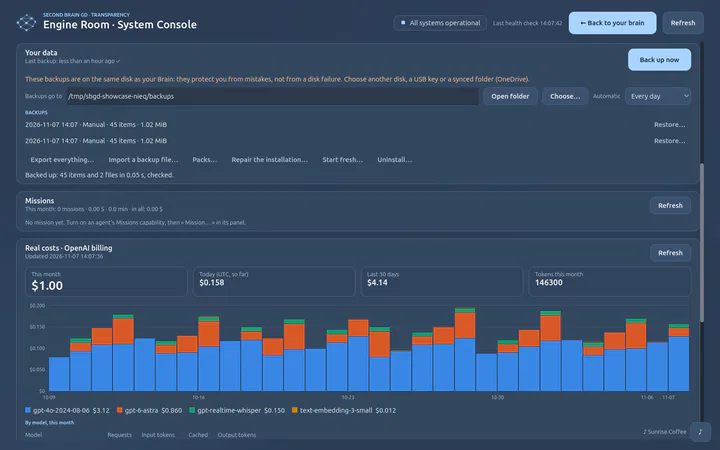
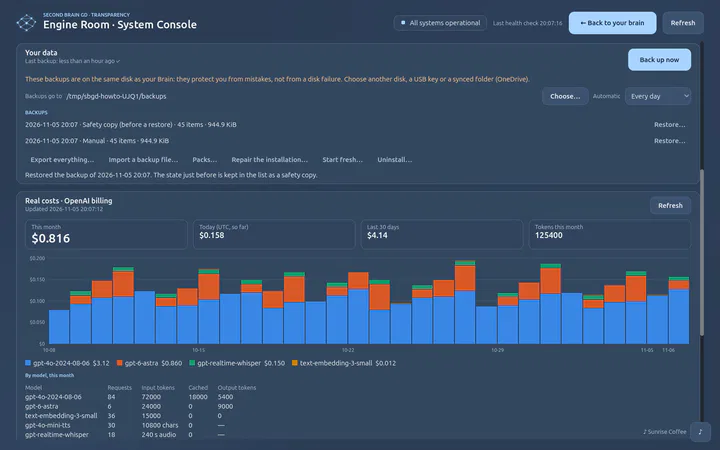
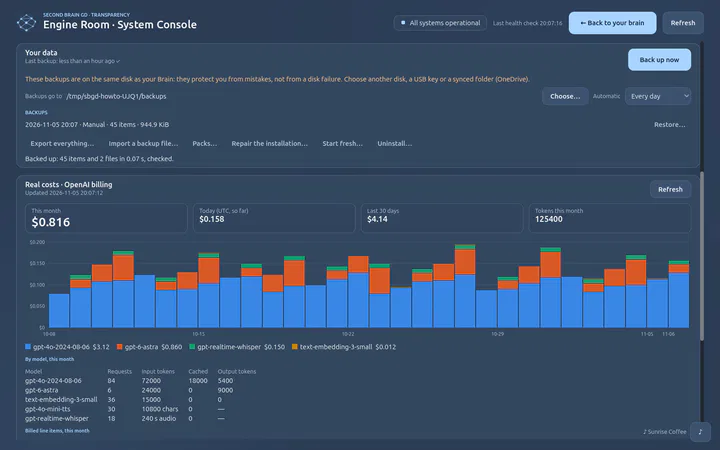
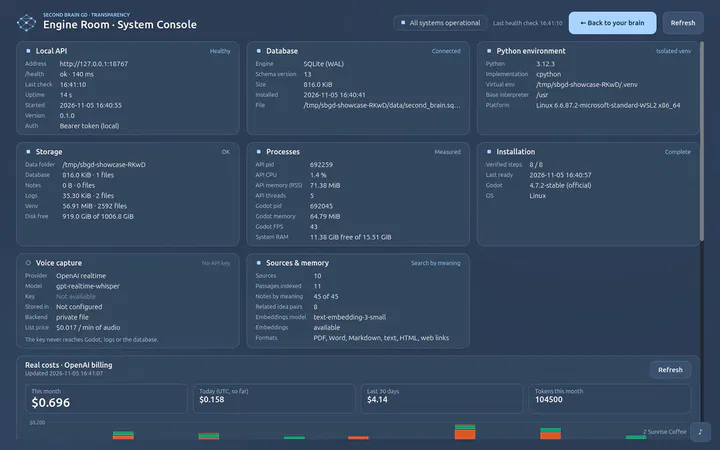
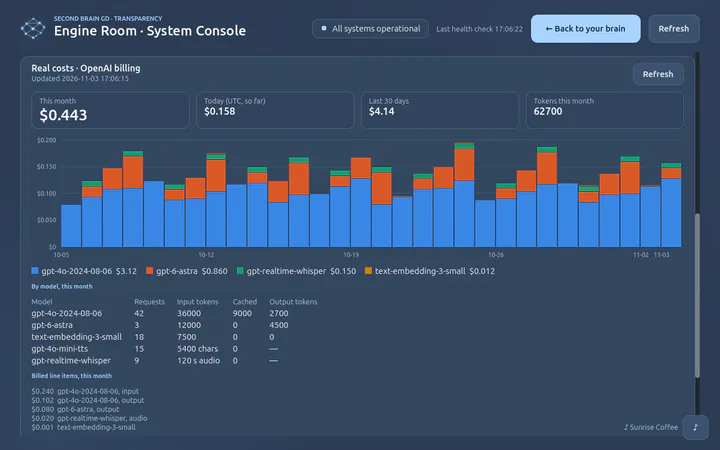
  • Undo for everything, a timeline to go back, real costs, one-click setup

Next

  • Routines: missions on a schedule, with the answers you gave last time
  • Fill an item from its identifier: DOI, ISBN, Zotero
  • A graph that shows meaning: people and concepts as nodes, the reason for each link

Parked

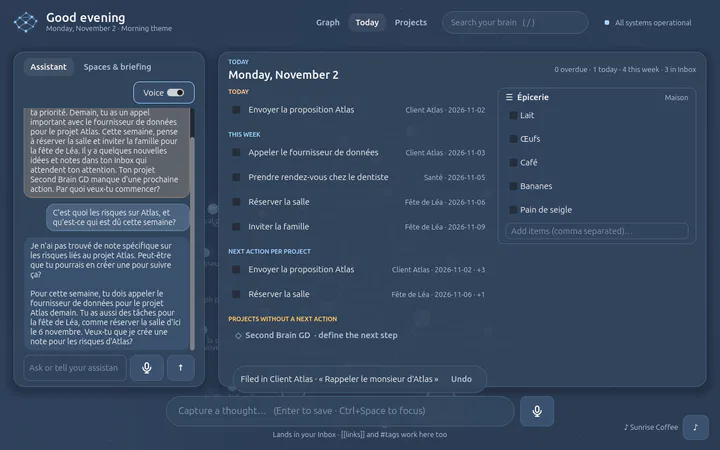
  • Today view, next actions and checklists
  • Guided weekly review with a reasoning model
  • Codex agent room: coding agents with approvals

Idea

  • Local models and an offline mode
  • Graph beyond 5,000 items: instanced drawing
  • A public gallery of MCP servers checked for the Brain
  • Optional sync you control
  • A public gallery of brain packs

Development journal

Built in loops

Each loop ships something that works, is tested on Linux and native Windows, and is captured from the real app. Pick a phase, or a dot on the line.

Open source

Built to be read, run and extended

Plain formats, a small documented engine, real tests, and tutorials to plug your own tools into it.

Get started

Install on Windows or Linux in a few clicks, no admin rights.

Install guide →

How-to guides

Step by step, captured from the real app, real answers included.

The guides →

Local HTTP API

Add notes, links and files, search, draw paths, from any script.

API tutorial →

Brain packs

A zip, a manifest and SQLite. Build packs, share them, import them.

Pack format →
Contribute

How loops work, how to run the tests, where things live.

Contributing →
The repository is public on GitHub, under the MIT licence. It is a lab, built in the open: read the AI notice before you run it.